Reverse-angle dialogue continuity board
Design dialogue beats as an axis-locked continuity board: establish the room, keep the same screen direction and eyelines across over-shoulder/reverse-angle panels, and anchor bra… Inspect the generated proof and adapt the visual approach to your own story with Director.
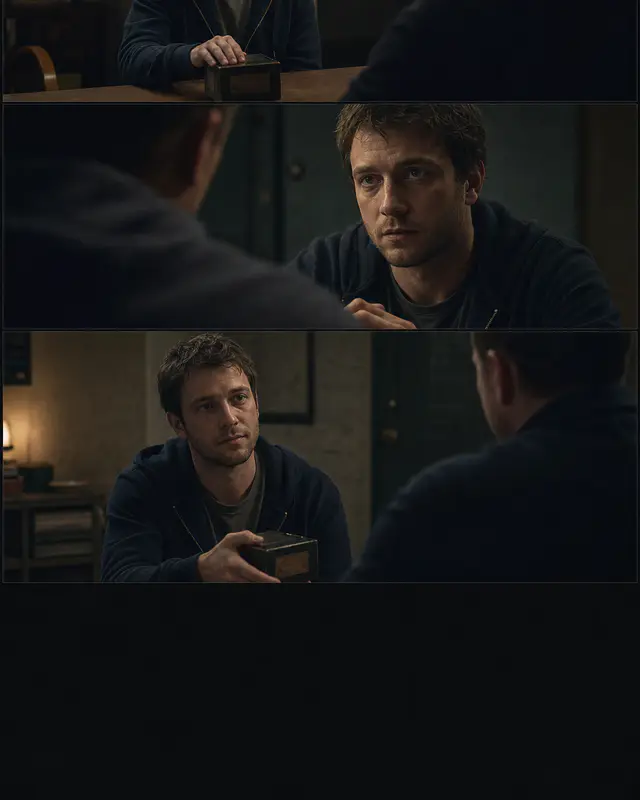
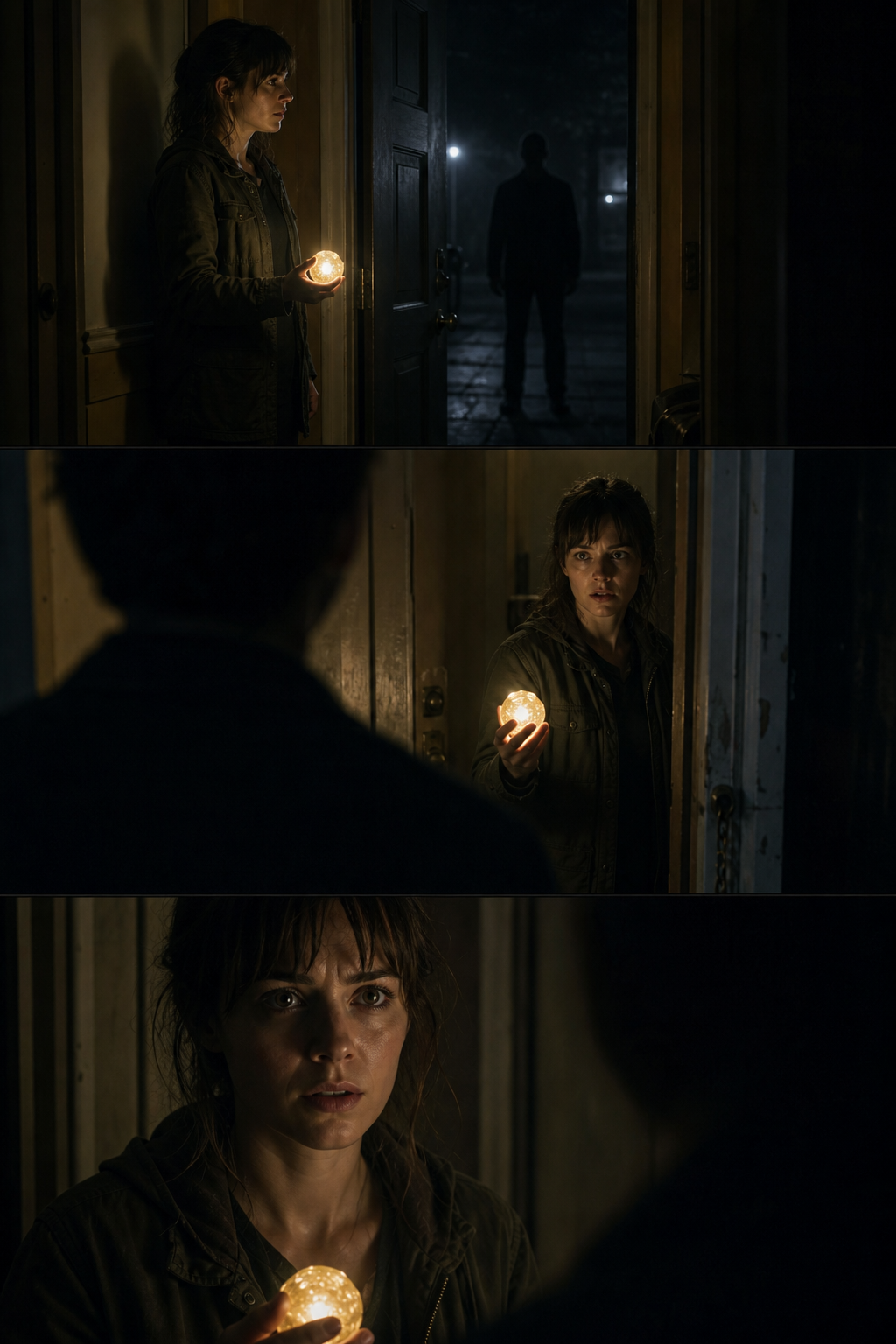
The displayed sample and prompt recipe are Vixel-generated study assets. The source link credits the public technique or workflow reference; no source media is redistributed here.
Keep a conversation clear when the camera changes sides
Two convincing portraits do not automatically make a convincing conversation. The viewer needs to feel that both people occupy the same room and are looking at each other. Plan their positions before making the reverse angle.
What to bring
Bring a short exchange, a rough room layout and a reference for each character. Mark where they sit and where the camera can stand. Choose one shared object, such as an unopened letter on the table, to help connect the shots.
Establish who sits where
For a practice scene, put Ada on the left and Ben on the right, with the letter between them. Start with a wide image showing both people. Keep the window on one side of the room so its light has a consistent direction.
Match the eyelines
In Ada’s closer shot, she looks toward screen right. In Ben’s, he looks toward screen left. Keep the camera on the same side of the line between them until you deliberately show a change of position.
Cut on a reason to look
Let Ada glance at the letter before cutting to Ben’s reaction. You do not need a new angle for every sentence. A held reaction can make the exchange easier to follow than a string of unrelated close-ups.
Before you continue
Place the wide shot and two close-ups next to each other. Check eye direction, shoulder placement, window light and the letter’s position. If both characters appear to look the same way, revisit the camera placement before animating.
Technique
Design dialogue beats as an axis-locked continuity board: establish the room, keep the same screen direction and eyelines across over-shoulder/reverse-angle panels, and anchor branch pressure with one shared prop.
Why it is useful
Use before route-choice dialogue scenes where a Vixel branch must preserve spatial grammar instead of feeling like disconnected cards.
Technique source: creativebloq.com.